
Claude Code sub-agents: when to spawn one (3 cases)
A sub-agent runs in its own context window and hands back a summary. Here is the one rule for when to spawn one, with three worked examples.

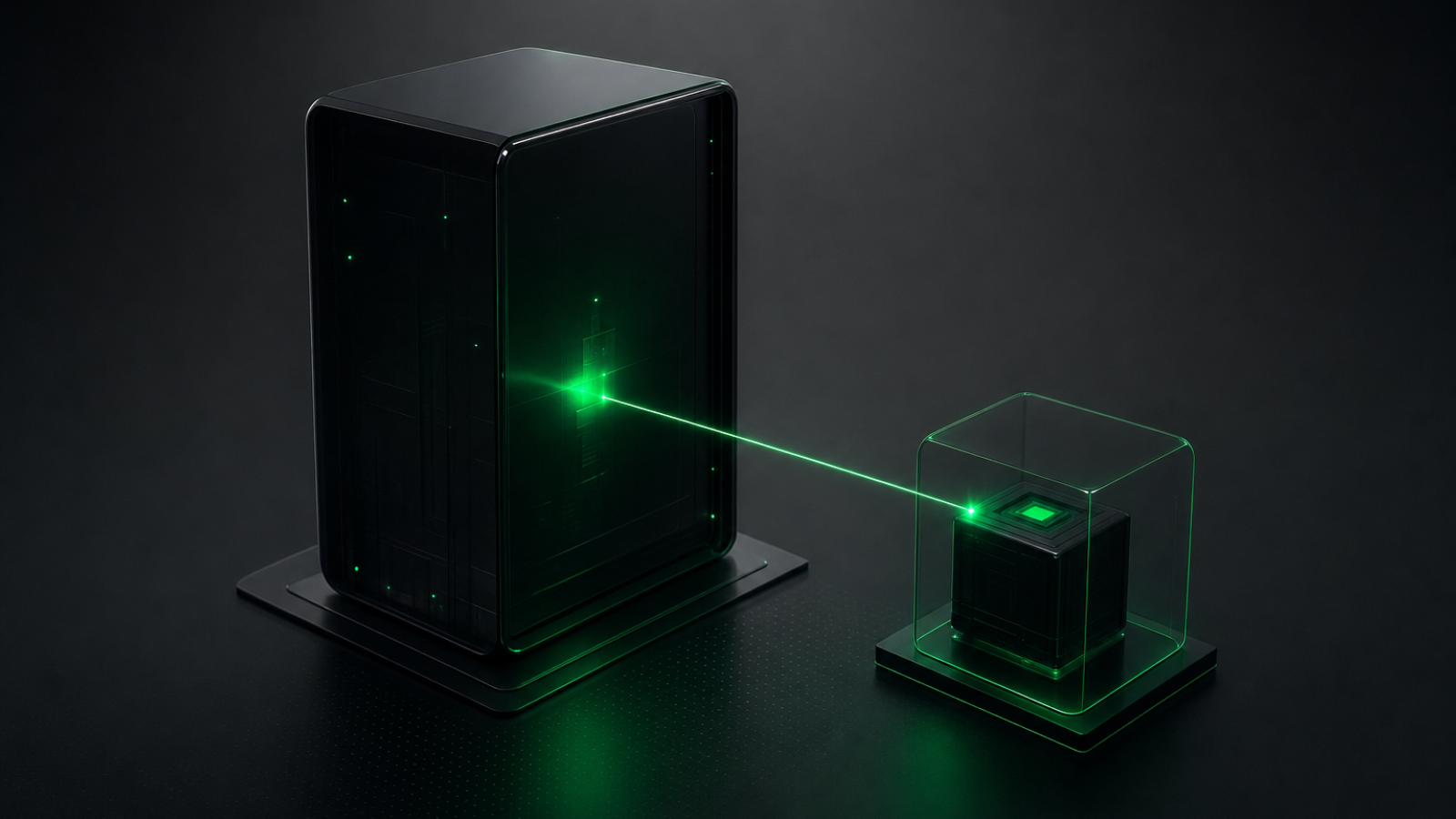
A Claude Code sub-agent is a separate worker your main session spawns through the Agent tool. It runs in its own context window with its own system prompt and tool access, does one focused job, and hands back only a summary. Spawn one when a side task would flood your main conversation with output you will not read again.
This explainer covers what a sub-agent is, the single rule for when to reach for one, and three real cases where it earns the spawn. You need Claude Code installed and a few sessions of using it daily, enough that you have watched your context fill with search results and logs. No new tool to install. The Agent tool ships in the box.
What a sub-agent is
A sub-agent is not a second model or a separate account. It is the same Claude running in a fresh, isolated context window that the parent session starts on demand. It does not see your conversation history, the files Claude already read, or the skills you already invoked.
The parent composes a short delegation message that describes the task and passes it to the Agent tool. The sub-agent works from that message alone, runs its own tool calls, and returns one result. Those tool calls never enter your main window. Only the final summary comes back.
That isolation is the whole point. A sub-agent receives only its own system prompt plus basic environment details, not the full Claude Code system prompt. It still loads your CLAUDE.md rules, the same ones the main session reads. You get a clean worker that reports one answer.
The one rule for when to spawn one
Spawn a sub-agent when the side task produces output you will not reference again. That is the rule. Everything else is detail.
Search results, log dumps, the contents of forty files you are grepping through. All of it lands in your context and stays there, pushing the work you care about further from the model's attention. A sub-agent does that reading in its own window and gives you back the two sentences that matter.
The cost is real. You lose the detail. If you will need the raw output inline, do not delegate it. The summary is all you keep.
The Agent tool, start to finish
The parent spawns a sub-agent through the Agent tool. In version 2.1.63 this tool was renamed from Task to Agent, and old Task(...) references still work as aliases, so you will see both names in older configs and docs.
Most of the time you do not call it by hand. Claude decides to delegate when a task matches a sub-agent's description. You can also force the matter by asking directly, for example "use a sub-agent to research the auth flow."
You define a reusable sub-agent as a Markdown file with YAML frontmatter. Only name and description are required. The Markdown body becomes the sub-agent's system prompt.
---
name: code-researcher
description: Explores the codebase to answer questions about how something works. Read-only.
tools: Read, Grep, Glob
model: inherit
---

You are a code researcher. Trace the code path the user asks about.
Report the files and line numbers that matter, then a short summary.
Do not edit anything.
Project sub-agents live in .claude/agents/. User sub-agents live in ~/.claude/agents/. On a name clash, project scope wins over user scope. A sub-agent created through the /agents interface takes effect immediately. One you edit on disk needs a session restart to load.
Case one: research that would bury your context
You want to know how the login flow works in a repo you did not write. The honest path means grepping for handlers, reading five files, following imports across three more. That is dozens of tool calls and thousands of tokens of file content you will skim once.
Hand it to a sub-agent. It walks the code in its own window and reports back: the entry point, the three files that matter, and a four-line summary of the flow. Your main context never sees the raw file dumps.
This is the lead example in Anthropic's subagents documentation. The sub-agent preserves context by keeping the exploration out of your main conversation.
Case two: a read-only reviewer with restricted tools
The tools field is an allowlist. The disallowedTools field is a denylist. Omit both and the sub-agent inherits every tool the main conversation has, including MCP tools. Set tools and it gets only what you list.
For a reviewer you do not want write access. List read tools and nothing else.
---
name: pr-reviewer
description: Reviews a diff for bugs and risky changes. Never edits files.
tools: Read, Grep, Glob, Bash
---

Review the diff. Flag correctness bugs, missing error handling, and anything
that looks risky. Report findings as a short list. You cannot edit files.
With Write and Edit left off the list, the sub-agent physically cannot change your code. It reads the diff, runs git commands through Bash, and hands back findings. The restriction is enforced, not advisory.
Case three: a reusable agent you define once and keep
The first two cases work as one-off spawns. When you keep asking for the same kind of worker, write it down as a file and stop re-explaining.
Claude picks a sub-agent by matching the task to its description. So the description is what makes delegation fire. Write it for the trigger, not for a human reader.
---
name: test-runner
description: Runs the test suite and reports failures. Use after code changes.
tools: Bash, Read, Grep
model: haiku
---

Run the project test command. If tests fail, report the failing test names
and the relevant error lines. Keep the summary under ten lines.
The model field defaults to inherit, which means the sub-agent uses the same model as your main session. Set it to haiku to route cheap, mechanical work to a faster model and keep your spend down. A test runner does not need Opus.
When a sub-agent is the wrong call
Do not spawn one when you need the output inline. If you are debugging and you want to see every log line as it comes, a sub-agent hides exactly the detail you are after. You get a summary when you wanted the raw trace.
Sub-agents also work within a single session. Running many independent sessions in parallel is a different feature called background agents. Sessions that talk to each other are agent teams. A sub-agent is one worker your one session spawns and waits on.
The rule holds in both directions. Delegate the noise you will discard. Keep the detail you came to read.

Newsletter
A short weekly email about AI tools and what's worth trying.
Free. No spam. Unsubscribe anytime.
More like this
All articles →
Codex CLI review: what beats Claude Code after 2 months
Two months of daily Codex CLI use. The three things that stuck, where it beats Claude Code, and where Claude Code still wins.

Cut your Claude Code cost in half with one routing rule
Most of a Claude Code bill is Opus doing work Sonnet handles fine. Here is the routing rule that fixes it, plus how to confirm caching works.

Get Claude Code to write tests you'll keep
Claude Code writes tests that pass without checking anything. Write them before the code, lock the assertions, and keep the tests worth running.

Run two Claude Code sessions in one repo with worktrees
Claude Code has a native -w flag for git worktrees. Run a refactor and a feature in parallel, each in its own files, with no merge pain.
Was this helpful?